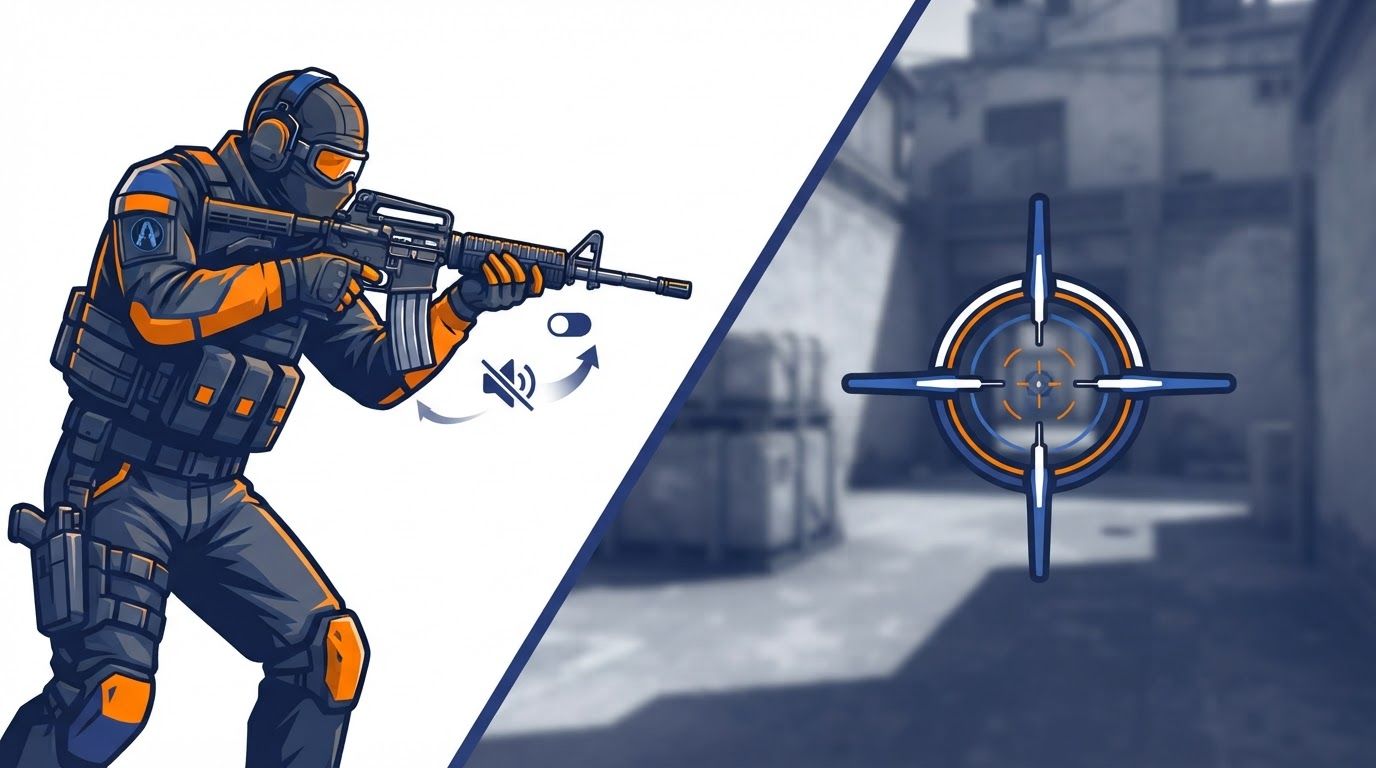
A reload no longer has to announce that you are vulnerable, and that changes the decisions around every low-ammo duel. The new silent reload toggle in Counter-Strike 2 lets players use a slower, concealed reload with less key-holding friction, while expanded crosshair controls give them clearer and more consistent feedback on when a shot is likely to be accurate.
Neither system is a simple buff. Silent reloading sacrifices readiness for information denial, and a more expressive crosshair only helps when players understand what it is showing. Used well, the changes reshape clutching, lurking, post-plant play, sniper repositioning, and the small timing reads that decide gunfights.
How the silent reload toggle changes CS2 reload decisions
Direct answer: Enable Silent Reload Mode on Toggle if you want to begin a silent reload without holding the reload key. Tap reload once to start the slower silent reload, then tap it again to cancel and return to a fast reload when speed becomes more important than concealment.
Valve introduced silent reloading in the September 22, 2026 CS2 update. The original behavior required holding the reload key. While holding it, a player could reload without the usual loud audio signal, but that reload was slower than a normal reload.
The October 28, 2026 update added a Silent Reload Mode setting with Hold and Toggle choices. Toggle changes the input burden rather than removing the mechanic’s cost: press reload to begin the silent sequence, release the key, and press reload again if you need to cancel it and move back to a fast reload.
That distinction matters in a real round. A normal reload remains the correct choice whenever an opponent can already see you, has clear location information, or can reach you before the slower reload completes. Silent reload is for situations where preventing an enemy from learning your timing is worth more than getting bullets back as quickly as possible.
What stays the same: silent reload is slower
The central trade-off has not changed. Silence can deny an opponent a familiar cue, but it leaves you without full weapon readiness for longer. Treating the feature as a free stealth upgrade is the quickest way to die while waiting on a reload that should have been normal.
Before this system, the loud reload sound often gave an enemy a straightforward decision: the opponent is likely low on bullets and cannot immediately take a clean fight, so push or swing. A concealed reload removes some of that certainty. It does not make a player safe, because footsteps, utility, movement, visible positioning, and timing still provide information.
- Choose a normal reload when cover is secure and speed is the immediate priority.
- Choose a silent reload when an enemy may be close enough to hear the normal cue but does not have visual confirmation.
- Cancel the silent reload when the situation turns urgent and getting to a faster reload matters more than keeping the timing hidden.
- Do not reload at all when a brief reposition, a teammate’s cover, or a weapon swap is the safer answer.
Toggle is especially useful for players who found the hold input awkward during movement, crosshair placement, and audio-focused moments. It allows the same tactical choice to remain active without dedicating a finger to the reload key. The player still needs to monitor the fight, because the second tap is a deliberate commitment to abandon concealment for speed.
Use silent reload in clutches, lurks, and post-plant gunfights
The strongest uses of silent reload are not mechanical tricks; they are information plays. In a late-round situation, an enemy often acts on what they think your weapon state must be. If they hear a normal reload, they may read weakness and accelerate. If they do not hear it, their decision becomes less certain.
Clutches: deny the expected push window
In a clutch, every sound is magnified. A loud reload can tell the remaining opponent that you are temporarily unable to fight at full capacity and encourage an immediate swing. A silent reload can preserve ambiguity while you are behind cover, allowing you to reload without handing over that timing cue.
However, concealment only has value if the enemy lacks another strong read. If they watched you fire the last rounds of a magazine, saw you tuck into a known corner, or have an angle that reaches your cover immediately, a slower reload can be a dangerous gamble. Your remaining ammunition, the available cover, and how quickly the enemy can contest it should drive the decision.
Lurks: conceal the reset, not just the sound
Lurkers often rely on uncertainty. A defender who hears a reload near a choke point may know that the lurker has paused, may be low on ammunition, and may be vulnerable to a coordinated push. Silent reload lets the lurker reset a weapon without providing that clear confirmation.
That can support a delayed reposition: reload silently, move to a different off-angle, and force the defender to question whether you stayed, rotated, or are ready to fight. It does not erase the sound of your movement or other actions, so the goal is not invisibility. The goal is to remove one highly legible piece of the enemy’s audio puzzle.
Post-plant: make defenders guess before they commit
Post-plant situations are built around pressure and timing. Attackers need to manage low ammunition while defenders decide whether to tap, stick, clear nearby positions, or wait for a mistake. A loud reload used to be an unusually direct signal that could influence those choices.
With silent reload, an attacker can sometimes replenish ammunition while keeping the defender uncertain about whether the weapon is ready. The practical benefit is that an opponent cannot automatically convert reload audio into a rush call. The cost remains meaningful: if the defender arrives during the slower sequence, the attacker may be caught before the weapon is ready.
- First, identify whether the enemy can realistically hear a normal reload from their likely position.
- Then ask whether your cover survives a slower reload if the enemy guesses correctly anyway.
- Use the silent option when hiding the timing could delay or misdirect the enemy’s response.
- Use the toggle cancel when utility, footsteps, or a bomb interaction makes an urgent fight likely.
This is why the update changes late-round pacing rather than simply making reloads better. Players can conceal a reset and reposition around the resulting uncertainty, while opponents must become less dependent on a single sound cue and more attentive to the wider situation.
Reload feints and mind games have limits
Community coverage has highlighted the possibility of reload feints: use a loud reload to suggest vulnerability, encourage a push, then use a silent reload elsewhere or reposition to punish the expected response. The idea is credible because reload audio has long shaped how players assess an opponent’s ability to fight.
But a feint is only useful when it fits the round. Repeating it against the same opponents turns it from misdirection into a pattern. It can also waste valuable time, expose you through movement, or leave you with too little ammunition when the actual duel begins.
Build a believable audio story
A good feint works because the enemy has a reasonable interpretation, not because the sound itself is magical. If you make a normal reload sound from one piece of cover and then move to another position, an opponent may choose to clear or rush based on the initial cue. If you silently reload after moving, the opponent may arrive expecting a disadvantaged target and instead meet a ready rifle.
The better question is not, “Can I trick them?” It is, “What action will they probably take after hearing this, and can I safely punish that action?” If there is no safe punish, simply taking the fastest practical reload is usually better.
- Feints are more useful when the opponent has limited information and must make a quick choice.
- They are less useful when an enemy has visual contact, reliable teammate calls, or utility that can force you out.
- A silent reload is not a substitute for cover; it is an information-management option while using cover.
- Changing position after a concealed reload can be stronger than remaining in the spot an opponent expects.
Valve’s early follow-up fixes also underline why players should avoid treating silent reload as an exploit platform. On September 24 and September 25, patches fixed cases where the feature could become slightly faster than intended or allow shotguns to fire faster than normal. The intended identity is clear: a slower reload that trades speed for concealment.
Additional September 23 fixes addressed silent-reload animation issues involving left-handed viewmodels, third-person models, and Dual Berettas. Later updates on October 2 and October 8 continued to address grenade crosshair rendering and silent reload sound events. Players should keep their expectations tied to the current in-game behavior rather than an early bug or a clip from a previous patch.
Silent unscoping makes sniper gunfights less readable by sound
The September 22 update also removed the unscoping sound for sniper weapons. This is a separate change from silent reload, but the two systems point in the same direction: opponents have fewer audio cues for reconstructing a player’s immediate weapon state.
In AWP and other scoped-weapon duels, unscoping used to reveal a moment of transition. An enemy who heard it could infer that the sniper had changed their viewing state, perhaps backed off an angle, prepared to move, or was no longer holding the scope in the same way. Silent unscoping reduces the reliability of that inference.
What snipers gain
A sniper can back away from an angle or change positioning with less audio exposure than before. This may make it harder for an opponent to know whether a held angle is still actively watched, whether the sniper has disengaged, or whether they are preparing a new peek from another location.
What opponents must change
Players facing a scoped weapon should be more careful about treating the absence of an unscoping cue as proof that nothing changed. Visual information, utility reactions, teammate communication, timing, and map control become more important. The adjustment is not to assume snipers are always moving silently; it is to stop relying on one missing sound as definitive evidence.
There is a broader lesson for both sides. CS2 gunfights increasingly reward players who combine cues rather than making a decision from a single sound. Silent reload and silent unscoping can remove familiar information, but they do not remove the rest of the round’s evidence.
New CS2 crosshair options make accuracy feedback easier to read
Reload concealment changes what the enemy can hear. The crosshair overhaul changes what you can see before and during a shot. Valve rebuilt the system around pixel-based thickness and length values, with automatic rescaling when resolution changes so the same settings behave more consistently across displays.
That is an important practical change for players who move between resolutions, alter display setups, or share crosshair codes with teammates. Pixel-based values aim to preserve the intended appearance and behavior more consistently than a setup that changes character across resolutions. It is not a promise that every monitor, scaling choice, or personal preference will look identical, but it gives the settings a more stable foundation.
A dedicated Crosshair/Scopes settings tab arrived with the September 22 update. Consolidating these controls makes it easier to inspect accuracy visualization and customize it without treating the crosshair as a buried cosmetic setting. Because the reticle is present in nearly every engagement, that accessibility matters.
Dynamic Quad, Static Quadrant, and Static Square
Valve changed the default crosshair to Dynamic Quad, stating that it better represents weapon accuracy. New choices also include Static Quadrant and Static Square. These styles expand preference, but their competitive value comes from how well a player can read their own firing state without losing sight of the target.
Dynamic Quad is a sensible starting point for players who want visual feedback connected to accuracy. It can help communicate when movement or firing has introduced inaccuracy, which is particularly relevant when deciding whether to reset, burst, or continue a spray. A static option may suit players who prioritize a stable aiming reference and already understand their movement and recoil state through habit.
A crosshair should communicate useful information without becoming the thing you stare at. If the reticle pulls your attention away from enemy models, it is not helping your gunfight decisions.
There is no provided evidence that one of the new styles is universally best. The correct choice depends on visibility, player preference, weapon habits, resolution, and how much dynamic feedback a player can process during pressure. Start from the updated defaults, then change one variable at a time rather than importing a complicated setup you cannot read.
Better spread visualization can improve firing choices
The crosshair changes go beyond new styles. Valve reduced the minimum dynamic spread distance and fixed weapon spread visualization so that the reticle more clearly communicates actual inaccuracy. In practical terms, the system is intended to provide a more readable signal when your shot is less precise.
That can help in the small decisions that occur before a kill or death: whether to stop fully, whether to wait a fraction longer before tapping, whether to burst instead of committing to a spray, or whether to reset after recoil. The crosshair does not aim for you, and it cannot replace recoil control or positioning. It can make the underlying weapon state easier to interpret.
Match the crosshair to the decision you need to make
Players often choose reticles solely by appearance, then wonder why they miss the information the interface is trying to provide. A better approach is to decide what feedback you need most in common engagements.
- If you overcommit while moving: prioritize a dynamic style you can quickly read when inaccuracy increases.
- If your reticle disappears against maps or effects: test the crosshair outline color option for clearer contrast.
- If you prefer a tighter center reference: explore the available gap behavior, including negative gaps for the classic dynamic style.
- If you use scoped weapons often: review scope dot scale and color, which are included in crosshair share codes.
Valve added the crosshair outline color option and negative gaps for the classic dynamic style on September 30. That update also added scope dot scale and color to crosshair share codes, making it easier to carry both crosshair and scope presentation choices between players or setups. These are visibility tools, not accuracy upgrades by themselves.
Do not tune a reticle only in a quiet practice environment. Test it in realistic visual conditions: bright backgrounds, dark corners, smoke edges, blood effects, flashes fading, and fast target transitions. A color or outline that looks excellent on one surface can be distracting or invisible in another.
Bullet impacts and crosshair clarity support faster shot reading
The crosshair overhaul is complemented by clearer, higher-fidelity bullet impact decals and blood effects. During firefights, better impact visibility can help a player read whether shots are landing near the intended point and whether a correction is needed. It is especially useful when visual feedback must be interpreted quickly amid recoil and movement.
This should not be confused with guaranteed confirmation. Effects can be obscured, a player can be under pressure, and the right response still depends on range, weapon, armor context, cover, and enemy movement. The value is in making available information clearer, not in eliminating uncertainty.
Use the feedback loop without chasing every decal
A disciplined gunfight process can connect the new systems in a simple sequence:
- Use the crosshair to judge whether you are settled enough for the shot you want to take.
- Fire with an intentional tap, burst, or spray choice rather than reacting randomly.
- Read the target, the recoil behavior, and visible impact feedback together.
- Adjust aim or reset based on the fight, not on a single visual effect.
This is particularly valuable after the crosshair spread fixes. If your reticle more accurately reflects inaccuracy, it can reinforce habits players already know are sound: stop before the precision shot, avoid expecting perfect accuracy while moving, and give a weapon time to recover when the situation allows it.
The visual side and the audio side of this update therefore work in opposite directions. Your opponents may hear less about your reloads and sniper transitions, while you receive more configurable on-screen information about your own accuracy. Strong players will use both changes to make cleaner decisions rather than simply adding more settings to copy.
Set up the silent reload toggle and crosshair options with a clear plan
The practical setup process should be short and deliberate. The goal is not to create the most unusual configuration; it is to build a setup you can understand instantly when a round becomes chaotic.
Recommended testing routine
- Open the CS2 settings and find the dedicated Crosshair/Scopes tab.
- Choose a crosshair style, beginning with Dynamic Quad if you want the updated default’s accuracy representation.
- Set a color and, if needed, an outline color that remains visible in the environments you play most.
- Adjust only one major visual variable at a time, such as gap, thickness, or outline, then play enough rounds to judge readability.
- Set Silent Reload Mode to Hold if you prefer deliberate manual control, or Toggle if releasing the key makes the mechanic easier to use.
- Practice both the silent start and the second-tap cancel until you can choose between concealment and a fast reload without hesitation.
Hold may be preferable for players who want a constant physical reminder that they are accepting a slower reload. Toggle may be preferable for players who want to remain free to focus on movement and other inputs after beginning the silent reload. Neither mode changes the core downside, so select the one that produces fewer accidental decisions for you.
When testing crosshairs, resist the urge to equate a smaller or more complex reticle with better aim. A reticle that is technically precise but difficult to find against the map is worse than one that remains readable while you track an opponent. Likewise, a highly dynamic display is only useful if you can absorb its feedback without fixating on it.
Key takeaways for adapting to the new gunfight information game
The silent reload toggle makes the feature easier to operate, but it does not remove its intended price: silent reloads are slower than normal reloads. Use it to protect timing information when you have cover and when an opponent may react to a loud reload, then cancel back to a fast reload when a fight becomes immediate. In clutches, lurks, and post-plants, that missing audio cue can create valuable uncertainty; in exposed positions, it can create a costly delay.
At the same time, the pixel-based crosshair system, Dynamic Quad default, new static styles, outline color controls, spread-visualization fixes, and improved impact visibility give players more ways to read their own weapon state. Set the silent reload toggle and crosshair options around the decisions you actually make in matches, test them under pressure, and let clearer information,not novelty,shape your next gunfight.